To make this sales page truly comprehensive, we need to break it down by the specific sub-tabs found in the Local Spider administration. This structure proves to a buyer that they aren’t just getting a simple script, but a professional-grade crawling suite with modular controls.
Local Spider: The Layer 1 “Owned Content” Suite
The Local Spider is the most valuable asset in your search engine. It allows you to move beyond third-party APIs by crawling, indexing, and prioritizing your own content. This section is divided into four distinct management areas:
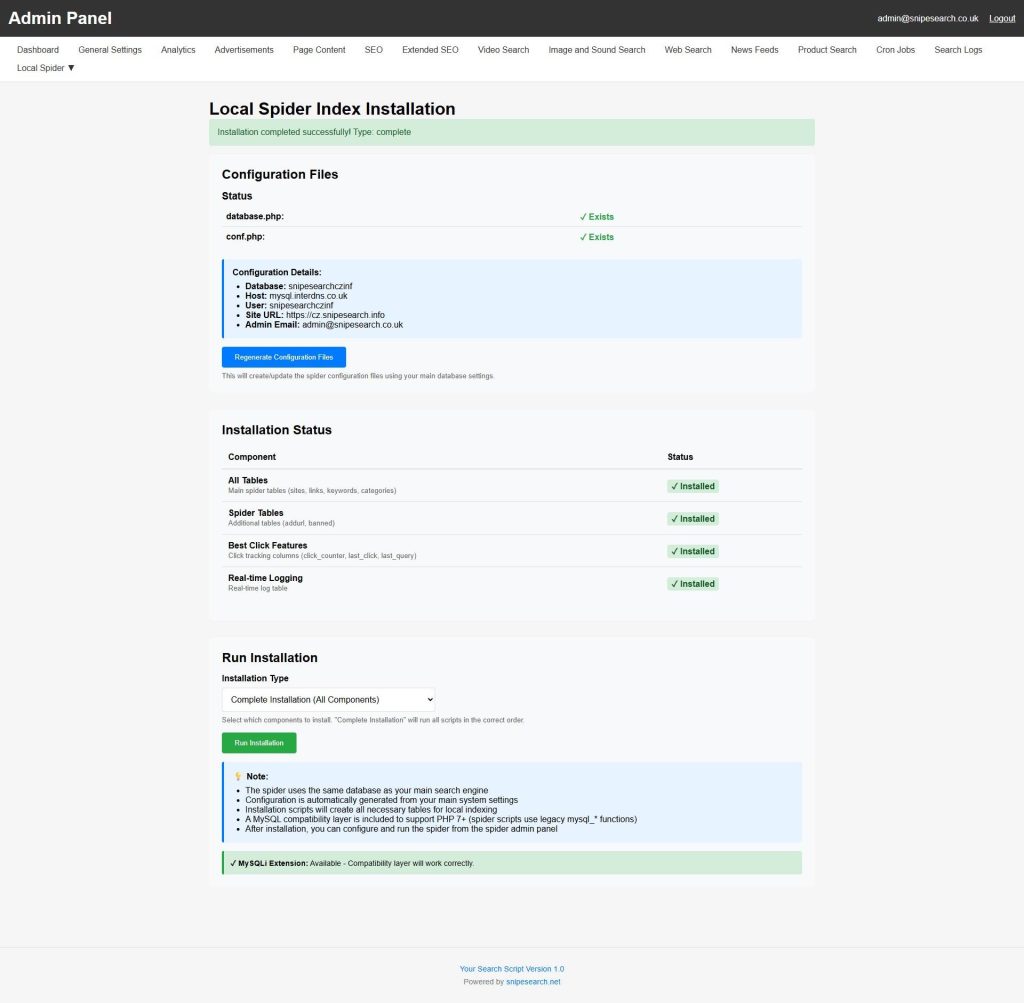
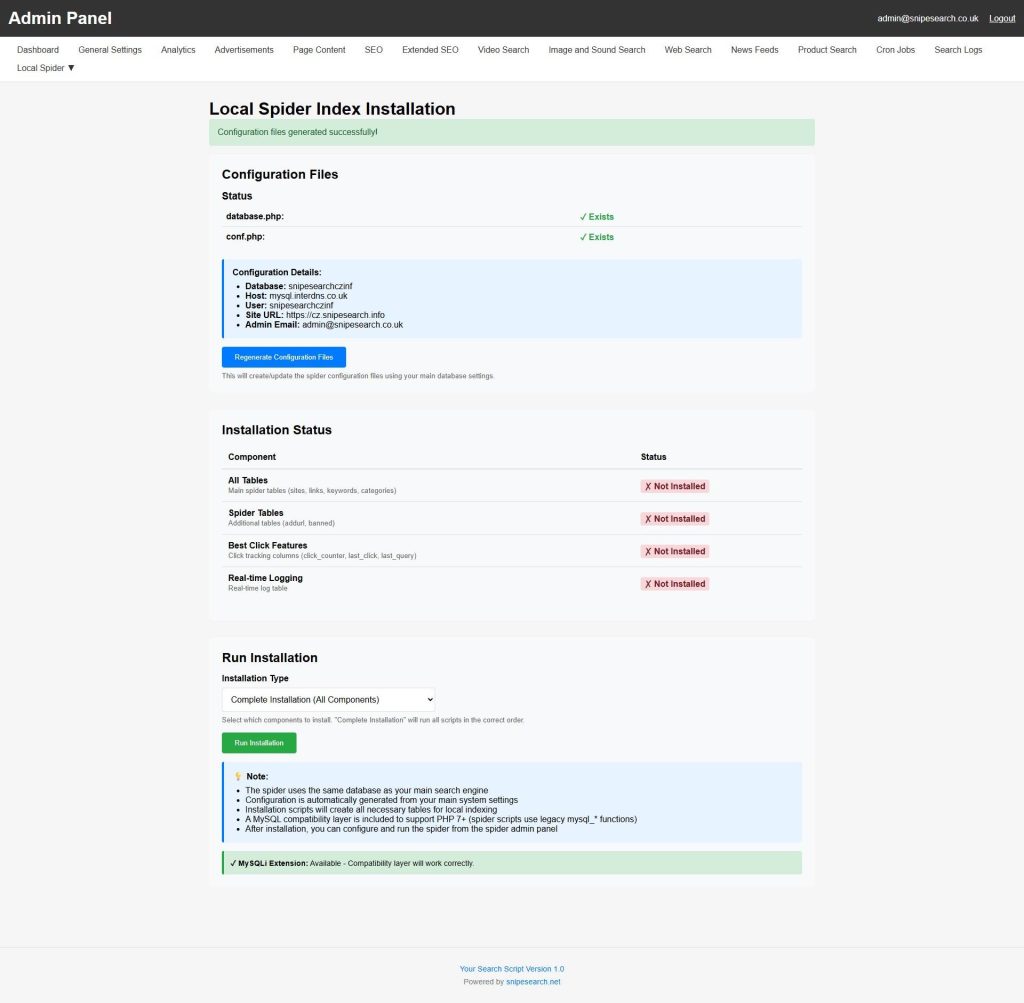
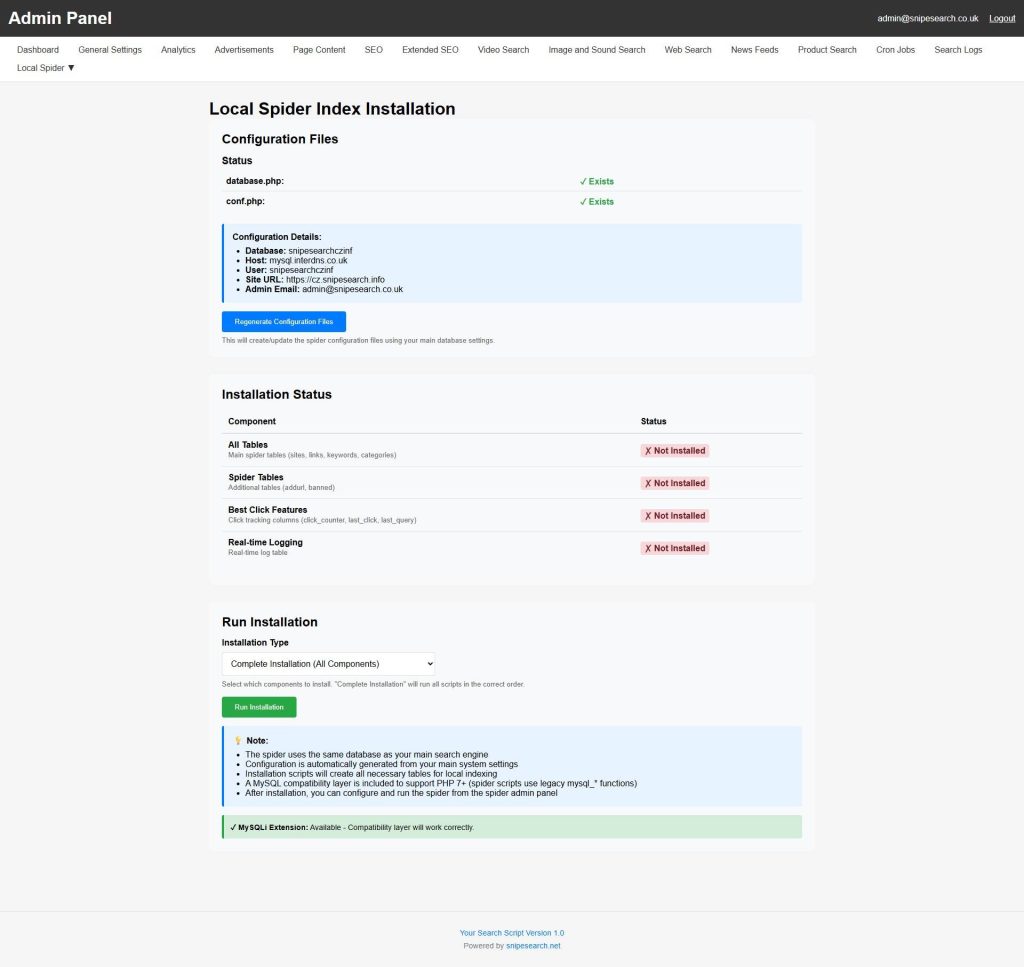
1. Spider Installation & System Readiness
Before the engine can crawl, the environment must be prepared. This sub-page is the gateway to your engine’s internal database infrastructure.
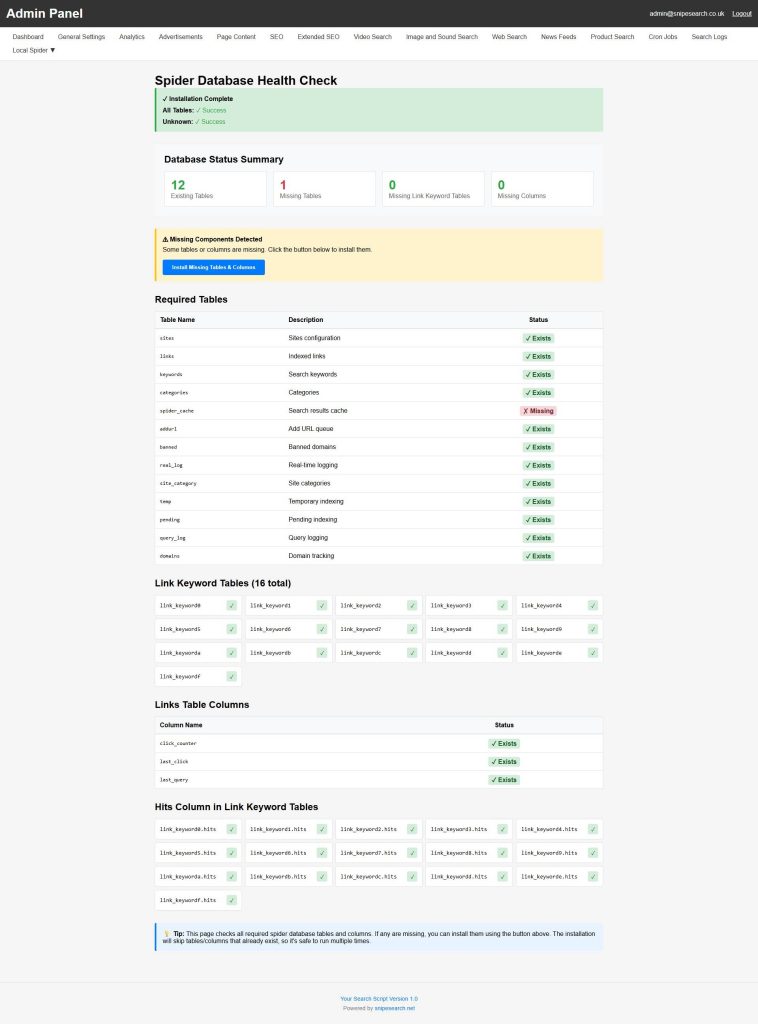
- Environment Configuration: The Regenerate Files button ensures the spider is perfectly mapped to your server’s internal paths and database credentials, preventing the “installation failures” common in less sophisticated scripts.
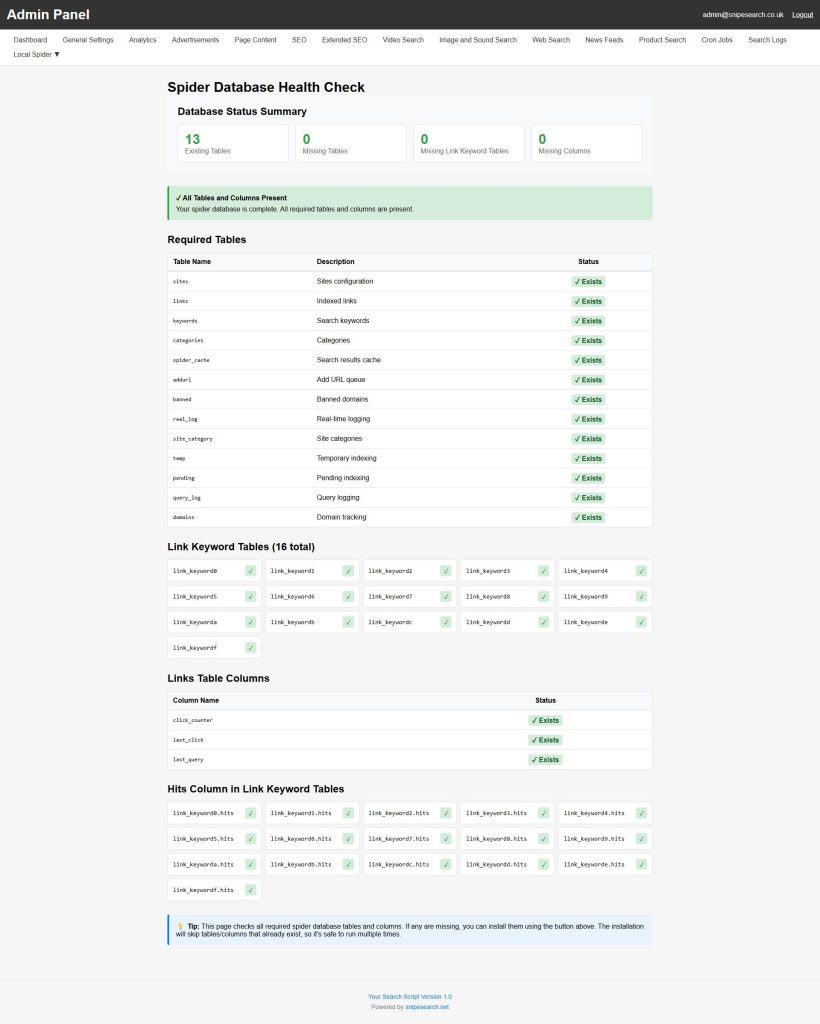
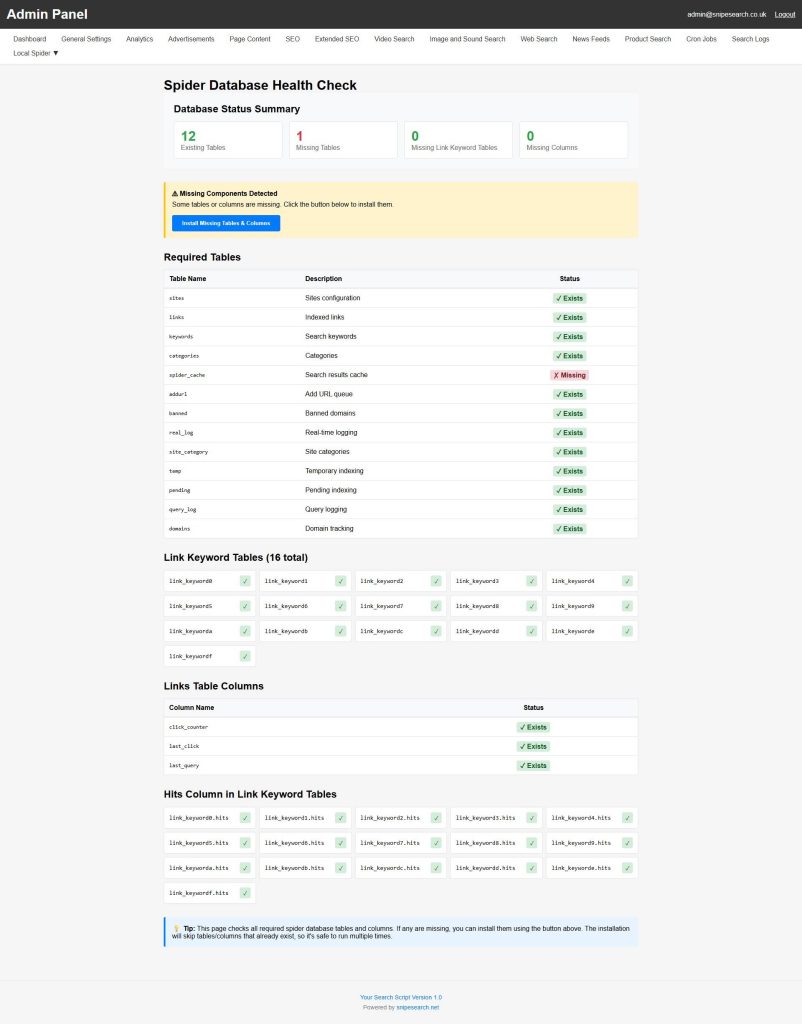
- One-Click Shard Deployment: Use the Install and Complete Installation sequence to automatically generate 16 individual keyword-link tables. This sharded architecture ensures the database never “locks up” or slows down during high-volume lookups.
- Self-Healing Diagnostics: This section allows you to verify the “Green State” of your spider, confirming that the self-repair system is active and ready for massive data ingestion.
2. Site Management & Strategic Indexing
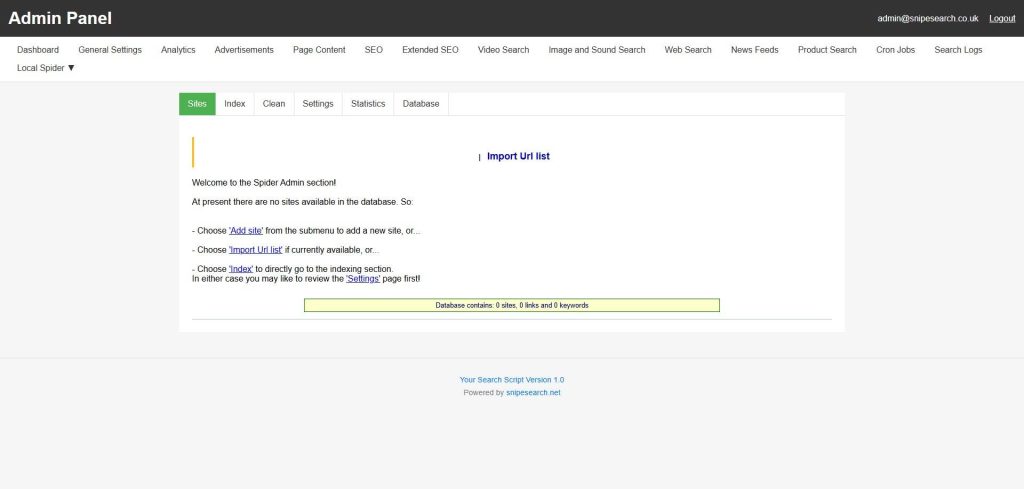
This is where you define which corners of the web your engine “owns.” You can manage an unlimited number of domains with surgical precision.
- Depth-Based Crawling (0 – N): Control exactly how deep the spider goes. Set it to Depth 0 for a single landing page or Depth 1 for a site’s main hub and its immediate neighbors.
- Spider Boundary Controls: Toggle the “Spider Can Leave Domain” setting. This is essential for sites that use external redirects or subdomains for their SEO-friendly URL structures.
- Crawl Logging & Monitoring: View live status updates for every site in your queue. You can see exactly which URL is being processed in real-time and identify any 404 or 500 errors immediately.
3. Advanced Crawl Modes & Re-Indexing
Once a site is in your list, you have three distinct ways to maintain its freshness without starting from scratch.
- Standard Re-index: The spider crawls existing URLs to update content, prices, or descriptions without changing the site’s structural “weight.”
- Erase & Re-index: A powerful “reset” button. Use this after you’ve modified your global filtering rules or keyword weights to wipe the old data and rebuild the index under your new rules.
- Automated Cleanup: Enable the “Clean resources during index” feature. This is a high-performance setting that periodically flushes system variables during a crawl, ensuring your server remains stable even during a 24-hour indexing marathon.
4. Filtration, Inclusion & Exclusion Rules
This sub-page allows you to act as a “Content Editor” for the web, ensuring only high-quality data enters your index.
- Surgical String Filters: Use the “Must Include” and “Must Not Include” fields to filter content at the URL level. You can easily exclude entire sections of a site—like
/admin/or/temp/—by adding them to the exclusion list. - Meta-Tag & Robots.txt Compliance: The spider is a “Good Bot.” It natively respects
robots.txtandnoindextags, ensuring your engine stays compliant with web standards and avoids indexing “trash” data. - Proprietary Indexing Tags: Leverage the “ tag to hide repetitive site elements (like footers and menus) from the search index while still allowing the spider to follow the links inside them.
5. Global Media & Charset Support
The technical backend of the spider is built for the global market, ensuring no data is “unreadable.”
- Multi-Format Document Parsing: Beyond HTML, the spider can be configured to index PDFs, DOCX, and XLSX files, turning your search engine into a deep-data document repository.
- Unicode 13 Conversion: The spider supports 63 different charsets (Windows, Mac, ISO, etc.) and automatically converts everything into UTF-8 Unicode 13. This ensures that searches in Arabic, Chinese, or Cyrillic return perfect results every time.
The “Affiliate Synergy” Advantage
By mastering these sub-pages, you can execute the Subdomain Strategy. Index your own affiliate blogs and product reviews using the Local Spider, and the engine will interleave your high-commission links directly into the global search results. You aren’t just running a search engine; you’re running a self-prioritizing sales machine.